Hardware 2FA Keys vs Software Authenticators: Which Is Truly Safer for Blockchain Users?
 Feb, 8 2026
When you hold your private keys in a blockchain wallet, you're not just storing crypto-you're guarding access to real value. If someone steals your password, they might guess your email. But if they bypass your two-factor authentication (2FA), they could drain your entire wallet. That’s why choosing the right 2FA method isn’t just a technical decision-it’s a survival tactic. Two options dominate: hardware 2FA keys and software authenticators. One is a physical device you tap. The other is an app on your phone. Which one actually keeps your crypto safe? Let’s cut through the noise.
How Hardware 2FA Keys Work (And Why They’re Nearly Unhackable)
Hardware 2FA keys, like YubiKey or Feitian, are tiny USB or NFC devices built to resist tampering. They don’t generate codes like an app. Instead, they use public-key cryptography a system where a private key is stored securely inside the device and never leaves it, while a public key is shared with services like Ledger or MetaMask. When you log in, the website sends a challenge. The key responds with a signed proof-no password, no code, no guesswork. This process follows the WebAuthn a modern authentication standard developed by the FIDO Alliance that allows passwordless and phishing-resistant login using public-key cryptography protocol, which is supported by Chrome, Firefox, Safari, and major blockchain platforms.
Here’s the kicker: because the private key lives only in the hardware, remote hackers can’t steal it. Even if your laptop is infected with malware, the key won’t respond unless you physically press its button. Phishing sites? Useless. They can’t trick the key into authenticating on a fake domain-it only works for the real one. In 2024, Google reported that employees using hardware keys had a 99.9% lower rate of account compromise compared to those using SMS or app-based 2FA. For blockchain users, that’s not just a statistic-it’s peace of mind.
How Software Authenticators Work (And Why They’re Still Risky)
Software authenticators-like Google Authenticator, Microsoft Authenticator, or Authy-generate six-digit codes that change every 30 seconds. They rely on TOTP Time-Based One-Time Password, a symmetric cryptography standard used by most mobile authenticator apps to generate temporary codes. You scan a QR code during setup, and the app stores a shared secret. Every 30 seconds, it calculates a new code using that secret and the current time.
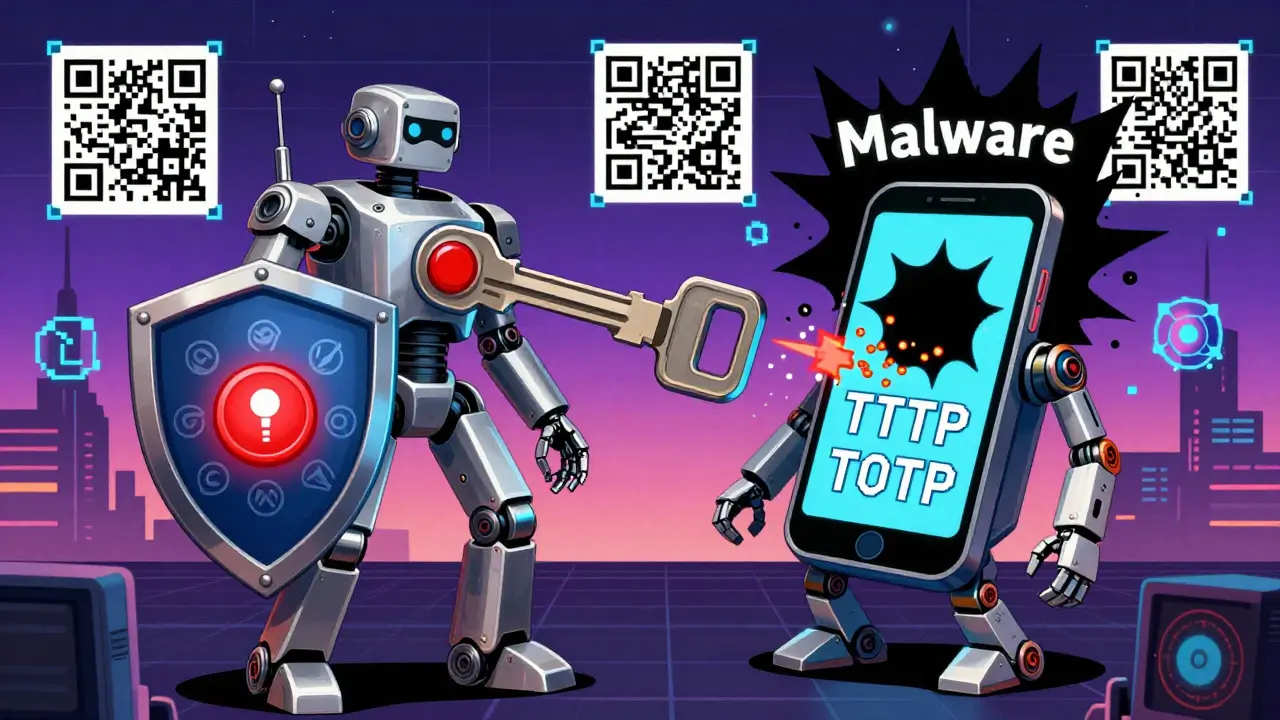
This works fine… until it doesn’t. Your phone can be hacked. Malware like Android Banking Trojans malicious apps designed to steal authentication codes and banking credentials from infected Android devices can intercept TOTP codes in real time. If your phone is lost or stolen, and you don’t have a backup, you’re locked out. Worse, some apps sync your secrets to the cloud-meaning if the cloud service is breached, so are your 2FA codes. In 2023, a researcher demonstrated how a simple Android app could capture TOTP codes from other apps on the same device. That’s not theoretical-it’s happened.
Security Comparison: Hardware vs Software
Let’s get specific. Here’s how they stack up:
| Feature | Hardware 2FA Keys | Software Authenticators |
|---|---|---|
| Phishing Resistance | Yes-domain-specific cryptographic binding | No-codes can be stolen and reused |
| Remote Hacking Risk | None-private key never leaves device | High-phone can be compromised via malware |
| Device Loss Impact | High-requires backup key | Medium-can restore from cloud or backup |
| Cost per Device | $20-$80 | $0 |
| Setup Complexity | Medium-requires compatible devices and config | Low-scan QR code, done |
| Support on Mobile | Limited-NFC or USB-C required | Universal-works on all smartphones |
The numbers don’t lie. Hardware keys eliminate entire classes of attacks. Software authenticators only raise the bar slightly above passwords. For blockchain users, that gap matters. One stolen code can mean losing thousands. One lost key can be recovered-with a backup.
Convenience Trade-Offs: What Users Actually Experience
Hardware keys aren’t perfect. You can’t tap your key if your phone doesn’t have NFC. You can’t use it if you forgot to bring it. I’ve heard from users in Wellington who lost their only key and were locked out of their Ethereum wallet for three weeks while waiting for a replacement. That’s why reputable services like Ledger and Trezor require you to set up backup recovery codes when you enable hardware 2FA.
Software authenticators? They’re everywhere. You get push notifications. You can sync across devices. You can even use them on your tablet while watching crypto news. But ask anyone who’s had their phone stolen or had Google Authenticator crash during a wallet transfer-they’ll tell you the convenience comes with anxiety. One Reddit user wrote: "I’ve had my phone wiped twice. Both times, I lost access to my wallet until I remembered my backup codes. Never again. I bought a YubiKey."
What’s Changing in 2026? The Rise of Passkeys
Here’s the twist: the future isn’t hardware vs software-it’s hardware as software. Passkeys a modern authentication standard that replaces passwords with public-key cryptography, using device biometrics for local verification are now supported by Apple, Google, and Microsoft. They use your phone’s fingerprint or face ID to unlock a key stored in your device’s secure chip. It’s not a physical key, but it’s just as secure as one.
Passkeys are built on the same WebAuthn standard as hardware keys. The difference? The private key lives in your phone’s secure enclave, not a separate device. That means you get phishing resistance, no code typing, and automatic syncing across your Apple or Android devices. For most users, this is the sweet spot: near-hardware security without the hassle of carrying a key.
But here’s the catch: not all blockchain wallets support passkeys yet. Ledger and MetaMask are testing them. Some DeFi platforms still only accept TOTP or U2F. If you’re using a lesser-known wallet, you might not have the option.
Who Should Use What?
If you’re a casual holder with $5,000 in ETH and use Coinbase or Binance? A software authenticator is fine. It’s better than SMS, and you’ll rarely be targeted.
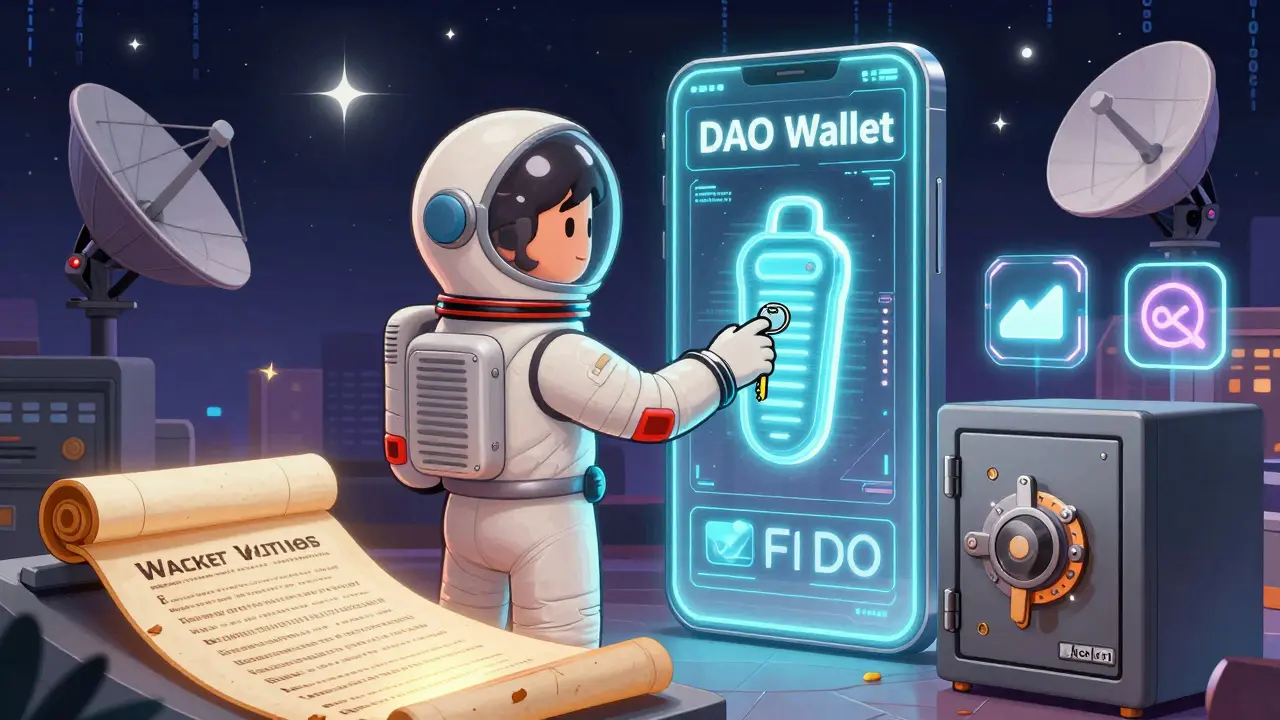
If you’re running a DAO wallet, holding six-figure NFTs, or trading on decentralized exchanges? You need hardware keys-or passkeys on a trusted device. Why? Because attackers don’t target small wallets. They target the ones with the highest value and the weakest defenses. And they’re getting smarter.
For maximum safety, combine both: use a hardware key as your primary 2FA, and keep a backup code stored offline in a fireproof safe. That way, even if you lose your key, you’re not locked out. And if someone tries to phish you? They’re out of luck.
Final Reality Check
There’s no perfect system. But there is a best one. Hardware 2FA keys are the gold standard because they remove the weakest link: the digital device. Software authenticators are convenient, but they still rely on the same vulnerable phones and laptops we use for everything else. In blockchain, where one mistake can cost everything, convenience shouldn’t win.
By 2026, the most secure users aren’t the ones with the fanciest apps. They’re the ones who treat their 2FA like their private key: locked up, backed up, and never trusted to software alone.
Can I use a hardware 2FA key with my crypto wallet?
Yes, if your wallet supports WebAuthn or U2F. Ledger, Trezor, and MetaMask (on desktop) allow hardware key login. Check your wallet’s security settings-look for "Security Key" or "FIDO2" as an option. If it’s not listed, you may need to use a software authenticator instead.
What happens if I lose my hardware 2FA key?
You won’t be locked out-if you set up backup codes during initial configuration. Most services require you to download or print backup codes when you enable hardware 2FA. Store these offline, like in a safe or sealed envelope. Without them, recovery is difficult or impossible. Never rely on a single key.
Are software authenticators safe enough for blockchain?
They’re better than SMS or passwords, but not ideal. If your phone is hacked, infected with malware, or stolen, your 2FA codes can be stolen too. For small holdings, it’s acceptable. For serious crypto users, hardware keys or passkeys are strongly recommended.
Do I need to buy multiple hardware keys?
Yes. Always get at least two: one for daily use, one as backup. Store the backup in a secure, separate location. Losing your only key means losing access to any account that relies on it. Many users keep one at home and one in a safety deposit box.
Can I use a hardware key on my phone?
Only if your phone has NFC and the wallet supports it. Most Android phones with NFC can tap a YubiKey. iPhones require a Lightning or USB-C adapter. Not all wallets support mobile hardware key login yet, so check compatibility before buying.
Is WebAuthn better than TOTP?
Yes, for security. WebAuthn uses public-key cryptography and is phishing-resistant. TOTP uses shared secrets and can be intercepted. WebAuthn is the future of authentication. If a service supports it, use it-even if you’re using a software-based passkey on your phone.