How to Safely Sell Electronics Without Compromising Your Data
 Jan, 26 2026
When you sell an old phone, laptop, or tablet, you’re not just getting rid of hardware-you’re handing over a digital time capsule. That device holds your bank logs, messages, photos, login keys, and maybe even your tax files. And if you think a factory reset is enough, you’re not alone-but you’re also at risk. A 2023 analysis by DES Technologies found that 68% of second-hand electronics bought online still had recoverable personal data, even after owners thought they’d wiped everything clean.
Factory resets don’t delete data. They just hide it. Think of it like throwing a book into a trash bin but leaving the pages intact. Anyone with basic recovery tools can pull it back out. This isn’t science fiction. It happens every day. In 2022, a hospital in the U.S. sold decommissioned computers without proper sanitization. A security researcher recovered 8,400 patient records. The fine? $2.1 million under HIPAA. That’s not an outlier. It’s a warning.
Why Your Phone’s ‘Erase All Content’ Isn’t Enough
Apple’s ‘Erase All Content and Settings’ and Android’s ‘Factory Reset’ are convenient. They’re also misleading. On SSDs-what most modern devices use-these resets rely on a feature called TRIM, which tells the storage chip to mark old data as unused. But TRIM doesn’t always erase it. Sometimes, fragments stick around in hidden areas. MIT research in 2021 showed that 67% of supposedly erased SSDs still had recoverable data fragments. That’s because SSDs spread data across chips to extend their life, and reset tools can’t always reach every spot.
Even worse, if you used encryption (like FileVault on Mac or BitLocker on Windows), a factory reset won’t remove the encryption keys stored in firmware. That means someone could restore your device, re-enable encryption, and access everything you thought was gone. Spiceworks’ 2023 survey found that 32% of Windows users hit this exact wall-locked out of their own reset process because the system couldn’t access the recovery key.
The Three Ways to Wipe Data (And Which One Actually Works)
There are three main paths to safely erase your device: DIY, manufacturer tools, and professional services. Most people pick the first two. They shouldn’t.
DIY wiping sounds cheap-free, even. Tools like DBAN (Darik’s Boot and Nuke) can overwrite data multiple times, following the DoD 5220.22-M standard. But here’s the catch: you need to know how to use them. You need to boot from a USB drive. You need to wait hours. And you need to verify the result. Most people skip the verification step. A 2023 ERIDirect study showed DIY methods fail 78% of the time when tested with forensic software.
Manufacturer reset tools are easier. Apple’s process is decent for FileVault users if you disable encryption first. Windows 11’s ‘Reset this PC’ with cloud download works for 89% of consumer devices. But these tools don’t touch firmware, UEFI storage, or hidden partitions. And they give you no proof. No certificate. No hash verification. Just a message that says, ‘Done.’
Professional ITAD services are the only reliable option. These are certified companies that handle data destruction for businesses-and they’re available to individuals too. They use NIST 800-88 Rev 1 standards, which require multiple passes, cryptographic verification, and chain-of-custody logs. For SSDs, they use ATA Secure Erase commands. For HDDs, they do multi-pass overwrites. For high-risk devices, they physically shred the drive into pieces smaller than 2mm. The failure rate? Less than 0.5%.
And yes, it costs money. Between $5 and $50 per device, depending on volume and speed. But compared to the cost of identity theft, legal penalties, or lost business? It’s a bargain. And if you’re selling multiple devices, services like sellygenie.com can help you generate accurate, trustworthy product descriptions in seconds-so you can focus on the safety of your data instead of writing listings.
What You Must Do Before Wiping
Don’t jump straight to wiping. There are critical steps you must take first.
- Back up everything you need. Use an external drive or cloud storage. Make sure you have copies of documents, photos, and app data. Don’t forget passwords saved in browsers or apps.
- Sign out of all accounts. Log out of Apple ID, Google, Microsoft, iCloud, and any banking or work apps. On iPhones, go to Settings > [Your Name] > Sign Out. On Windows, go to Settings > Accounts > Your Info > Sign in with a local account instead.
- Turn off encryption. If you use FileVault (Mac) or BitLocker (Windows), disable it before wiping. Otherwise, your reset might not work properly, or worse-it might leave encrypted data behind that’s still accessible.
- Remove SIM and SD cards. These aren’t part of the internal storage. They hold their own data. Take them out.
Skipping any of these steps leaves gaps. A single forgotten iCloud login can let someone track your location, messages, and photos-even after you’ve wiped the phone.
Verification: The Step 90% of People Skip
Wiping isn’t done until you prove it worked. This is where most DIY efforts fail.
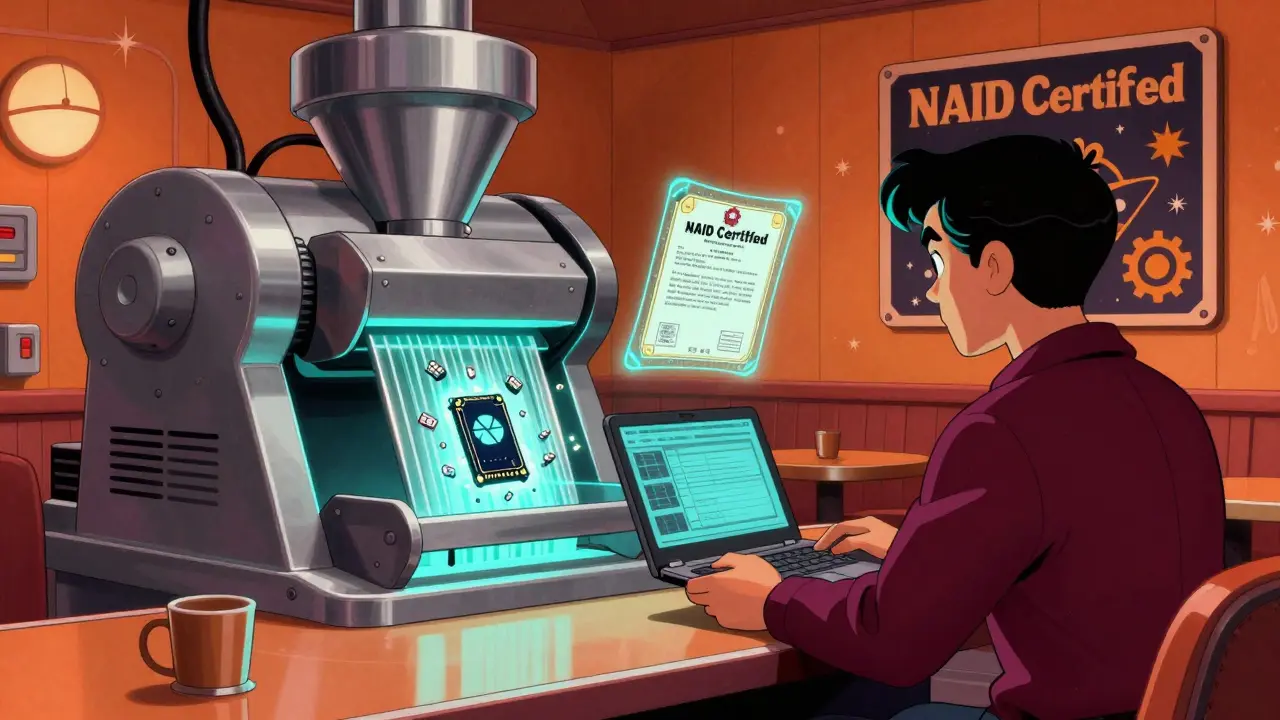
After wiping, use free recovery tools to check if anything’s left. PhotoRec (for images and files) and TestDisk (for partitions) are open-source and reliable. Boot your device from a USB stick with one of these tools installed. If you see any of your old files-emails, screenshots, PDFs-you didn’t wipe properly. Try again.
Professional services don’t rely on guesswork. They generate cryptographic hashes before and after wiping. If the hashes don’t match, the job isn’t done. That’s the gold standard. For consumers, this level of proof is rare-but it should be expected.
What to Do With the Device After Wiping
Once you’ve wiped and verified, you’re not done. You still need to handle the physical device responsibly.
Don’t just drop it in a recycling bin. Many so-called recyclers sell devices to middlemen who resell them overseas. The Basel Action Network found that 40% of electronics sent to non-certified recyclers end up illegally exported to countries where data recovery is a thriving black market. Your old laptop could end up in a Ghanaian workshop, where someone pulls your banking details from its memory.
Use a certified recycler. Look for NAID (National Association for Information Destruction) or R2v3 certification. These organizations require audits, staff background checks, and documented destruction. Some even let you watch the shredding happen. That’s peace of mind you can’t buy elsewhere.
When to Skip Wiping and Go Straight to Destruction
If your device held sensitive information-medical records, financial data, corporate secrets, or government files-don’t wipe it. Destroy it.
Even the best wiping tools can’t guarantee 100% removal from SSDs, especially newer NVMe drives. MIT researcher Dr. Simson Garfinkel says: “For top-secret data, physical destruction is the only guaranteed method.”
Industrial shredders crush drives into tiny fragments. Degaussers zap them with magnetic fields. Both are foolproof. If you’re selling a device that once stored confidential data, treat it like classified material. Don’t take chances.
Legal Risks You Can’t Afford to Ignore
Selling a device with leftover data isn’t just careless-it can be illegal.
Under GDPR, you’re responsible for protecting personal data-even after you sell it. If someone else accesses your info through your old phone, you could be liable. HIPAA holds healthcare providers accountable for patient data on discarded devices. California’s R2 Tech Recycling Act requires proof of data destruction for any electronics sold or recycled in the state.
Companies face fines up to 4% of global revenue for violations. Individuals? They face lawsuits, identity theft, and financial ruin. One G2 Crowd user lost $12,000 after selling a laptop with encrypted financial files still intact. The reset didn’t touch them. The thief did.
Final Checklist: Your Step-by-Step Safe Sale Plan
- Back up all data to an external drive or cloud service
- Sign out of all accounts (Apple, Google, Microsoft, iCloud, etc.)
- Disable encryption (FileVault, BitLocker)
- Remove SIM and SD cards
- Use a verified wiping tool (DBAN for HDDs, manufacturer tool for SSDs)
- Verify wipe with recovery software (PhotoRec, TestDisk)
- Use a certified ITAD recycler or drop-off center
- Ask for a Certificate of Destruction
This process takes 3 to 5 hours per device. It’s not fun. But it’s necessary. Your data isn’t just yours-it’s tied to your identity, your finances, your relationships. Don’t let it slip away because you thought a reset was enough.
Is a factory reset enough to sell my phone safely?
No. A factory reset only hides data-it doesn’t delete it. Forensic tools can recover emails, photos, messages, and login credentials from most modern phones, even after a reset. You need to use a proper data-wiping tool and verify the results.
Can I wipe my SSD the same way as my hard drive?
No. SSDs use wear-leveling and TRIM commands that make traditional wiping tools ineffective. Use the manufacturer’s secure erase tool (like Apple’s ‘Erase All Content and Settings’ or Dell’s SSD Secure Erase) or professional services that use ATA Secure Erase commands. For maximum security, physical destruction is recommended.
How do I know if a recycler is trustworthy?
Look for NAID or R2v3 certification. These organizations require independent audits, staff background checks, and documented destruction processes. Ask for a Certificate of Destruction. If they can’t provide one, walk away.
What should I do with my old laptop that had my tax files on it?
Don’t wipe it-destroy it. Tax files are highly sensitive. Even certified wiping can leave fragments on SSDs. Use a certified ITAD service that shreds drives into pieces smaller than 2mm. This is the only way to guarantee your financial data can’t be recovered.
Are there free tools I can use to wipe my device?
Yes. DBAN works for HDDs, and manufacturer tools like Apple’s erase function work for SSDs. But free tools don’t provide verification. You must manually check for leftover data using PhotoRec or TestDisk. Most people skip this step, which is why DIY wiping fails so often.
Why do some recyclers ask for proof of ownership?
It’s a legal requirement under anti-theft and data protection laws. Recyclers must ensure they’re not handling stolen goods. It also protects you-if your device is lost or stolen later, having a record of your sale helps prove you didn’t lose it.